Who Issues Your SSL Certificate? Why a CAA Record is Crucial for Website Security
Learn what a CAA record is and why it's crucial for your website security. This guide explains SSL certificate security and shows you how to add a CAA record to prevent unauthorized issuance and man-in-the-middle attacks by specifying your chosen Certificate Authority.

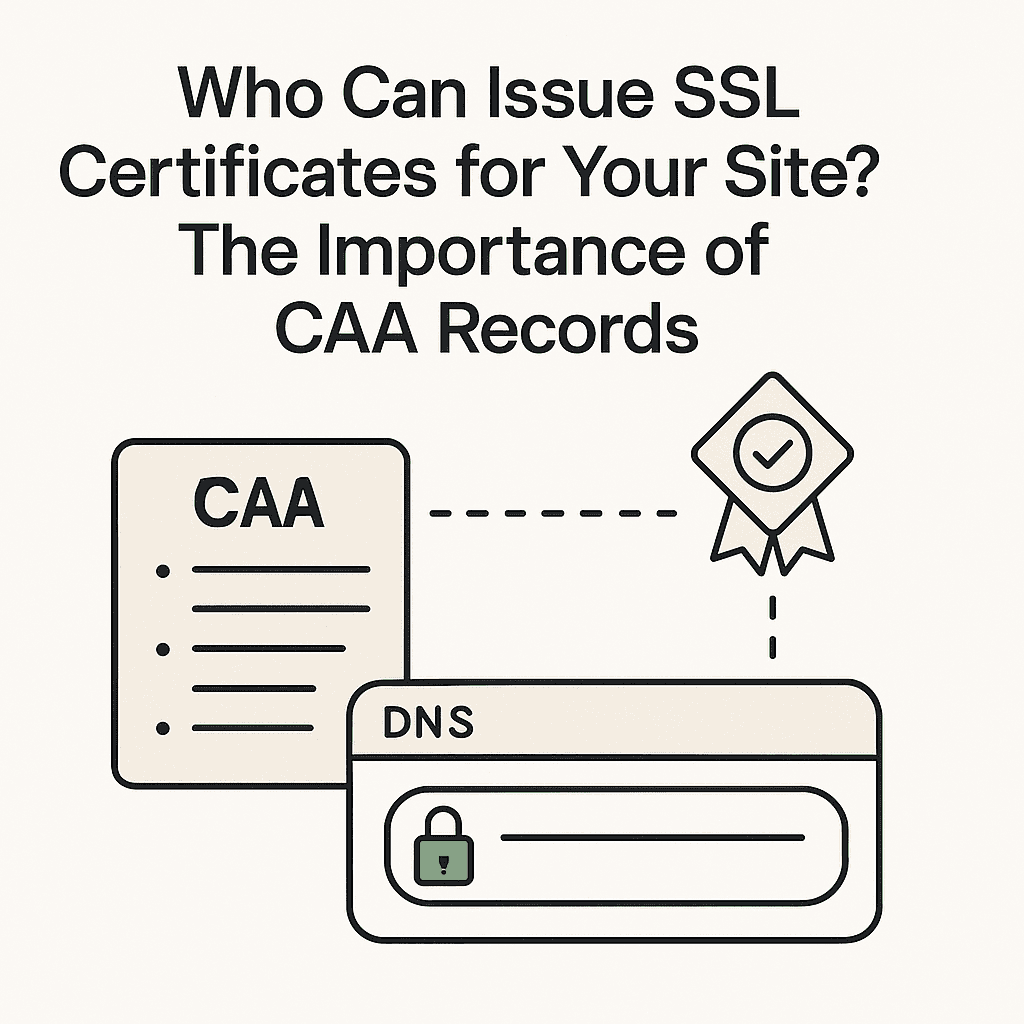
The lock icon in a browser's address bar signifies that a connection is encrypted with an SSL certificate and is secure. This visual cue is a critical indicator of trust for users.
A significant security concern arises if an unauthorized entity could deceive a Certificate Authority (CA) into issuing a "fake" but cryptographically valid SSL certificate for a domain they do not legitimately control. This scenario is not theoretical; documented instances of such mis-issuance have occurred, posing substantial risks to website security.
To mitigate this specific threat and enhance overall SSL certificate security, the DNS security record known as CAA (Certificate Authority Authorization) was developed and standardized.
What is a CAA Record and Why is It So Important?
A CAA record functions as a definitive "whitelist of authorized Certificate Authorities" for a specific domain. It is a type of DNS resource record that allows a domain owner to specify which CAs are permitted to issue certificates for that domain or any subdomain.
By establishing a CAA record, a domain owner makes a public, verifiable declaration within the DNS system. For example, it might state: "Only Let's Encrypt or Google Trust Services are authorized to issue SSL certificates for yourdomain.com."
Industry mandates require all reputable CAs to perform a CAA record check before issuing any certificate. If a CA discovers it is not explicitly listed in a domain's CAA record, it is obligated to refuse the certificate request. This mechanism is a foundational element of modern website security protocols, significantly reducing the attack surface for certificate mis-issuance.
The quantifiable risks of not implementing a CAA record include:
- Increased Risk of Certificate Mis-issuance: Without a CAA record, any of the hundreds of globally recognized CAs could potentially issue a valid SSL certificate for your domain. This broad authorization significantly increases the probability of an attacker exploiting a vulnerability in a less-secure or less-reputable CA to obtain an unauthorized certificate.
- Elevated Vulnerability to Man-in-the-Middle (MITM) Attacks: An attacker possessing a fraudulently obtained but valid SSL certificate can execute sophisticated man-in-the-middle attacks. Such an attacker could intercept encrypted traffic, decrypt it, and re-encrypt it without triggering browser security warnings, thereby compromising sensitive user data (e.g., login credentials, financial information).
- Reduced Control Over Brand Trust: The absence of a CAA record effectively delegates the authority to vouch for your brand's digital identity to every CA worldwide. This lack of specific control introduces unnecessary and unmanaged risk, potentially undermining user trust and brand reputation.
How to Add a CAA Record: A Step-by-Step Guide
Implementing a CAA record is a straightforward process involving the addition of specific CAA records within your domain's DNS provider's dashboard. This section outlines the definitive steps for how to add a CAA record:
Step 1: Identify Your Current Certificate Authority (CA)
To ensure continuity of service, identify the CA that currently issues your SSL certificate. This information is typically accessible by visiting your website, clicking the padlock icon in the browser address bar, and then viewing the certificate details. The "Issuer" field will specify the CA (e.g., Let's Encrypt, Google Trust Services, DigiCert).
Step 2: Add Three Essential CAA Records
For illustrative purposes, consider letsencrypt.org as the identified CA. This serves as a practical CAA record example:
- Authorize non-wildcard certificates (
issue): This record explicitly permits the specified CA to issue certificates for the exact domain name (e.g.,yourdomain.com).- Type:
CAA - Name:
@(or your domain name, depending on DNS provider interface) - Tag:
issue - Value:
letsencrypt.org
- Type:
- Authorize wildcard certificates (
issuewild): This record explicitly permits the specified CA to issue wildcard certificates (e.g.,*.yourdomain.com). This is crucial for domains utilizing subdomains.- Type:
CAA - Name:
@ - Tag:
issuewild - Value:
letsencrypt.org
- Type:
- Set up violation reporting (
iodef): This record specifies an email address or URL to which CAs should report any attempted unauthorized certificate issuance for your domain. This provides a critical alert mechanism for potential security incidents.- Type:
CAA - Name:
@ - Tag:
iodef - Value:
mailto:[email protected](Replace[email protected]with a monitored email address.)
- Type:
Implementation Note: DNS provider interfaces may vary. For instance, platforms like Cloudflare might label the issue tag as "Only allow specific hostnames," issuewild as "Only allow wildcards," and iodef as "Send violation reports." Consult your DNS provider's documentation for precise field mapping.
How to Verify the Fix
After the CAA records have been added and sufficient time has passed for DNS propagation (typically 1-24 hours), verification is essential. A highly effective CAA record checker is the SSL Labs Test (ssllabs.com/ssltest/).
Navigate to the SSL Labs Test, enter your domain name, and initiate the scan. In the comprehensive report generated, locate the "Configuration" section. Within this section, verify the entry for "Certificate Authority Authorization (CAA)." A successful configuration will display "Yes" and explicitly list the issue, issuewild, and iodef rules you have defined, confirming that your CAA records are correctly implemented and active.
Website Security Should Be a Platform's Standard Feature
The landscape of modern website security necessitates the implementation of numerous technical acronyms and protocols, including CAA, DMARC, SPF, HSTS, and others. For content creators and businesses primarily focused on content generation and audience engagement, managing these complex DNS security configurations represents a significant operational burden and a potential distraction from core objectives.
At Postion, website security is considered a fundamental, non-negotiable responsibility of the platform itself. Every website deployed on Postion is automatically provisioned with robust security configurations, including strictly defined CAA records and comprehensive DMARC policies. This proactive approach offloads the intricate, back-end DNS security management from the user, ensuring a high level of protection for both the brand's digital assets and its user base.
For creators seeking a platform that integrates powerful content delivery with inherent, advanced security measures, Explore Postion and experience the peace of mind and convenience built for creators.
FAQ
Q: What is the primary purpose of a CAA record? A: The primary purpose of a CAA record is to specify which Certificate Authorities (CAs) are authorized to issue SSL certificates for a particular domain, thereby preventing unauthorized certificate issuance and enhancing website security.
Q: How many CAA records should I add for my domain?
A: It is recommended to add at least three CAA records: one for issue (non-wildcard certificates), one for issuewild (wildcard certificates), and one for iodef (violation reporting).
Q: What happens if I don't have a CAA record? A: If a domain does not have a CAA record, any publicly trusted Certificate Authority (CA) is technically permitted to issue an SSL certificate for that domain, increasing the risk of certificate mis-issuance and potential man-in-the-middle attacks.
Topic Hub
Explore the Audience Growth Hub
This article is part of a larger cluster. Use the hub page to move between the pillar guide and the supporting articles that reinforce the same topic.
Keep Exploring
Related Reads
More posts connected to this topic cluster and reading path.
Gmail Account Creator Tool: The Risks & The Professional Alternative
Searching for a Gmail account creator tool? Before you risk your business with a bulk Gmail account creator, learn about the dangers and discover the professional alternative for managing your brand's communications.
Improve Email Deliverability: A Simple Guide to Setting Up Your DMARC Record
Are your emails landing in spam? Learn what a DMARC record is and why it's essential for email security and deliverability. Follow our simple, step-by-step guide to set up a DMARC policy, prevent email spoofing, and protect your brand.
The Creator's Guide to Email Security: DMARC for Creator Newsletters
Understand the importance of DMARC for creator newsletters. Protect your brand, ensure deliverability, and secure your email list with this 2026 guide.